Download the Official Planbet App for Android APK and iOS 2026

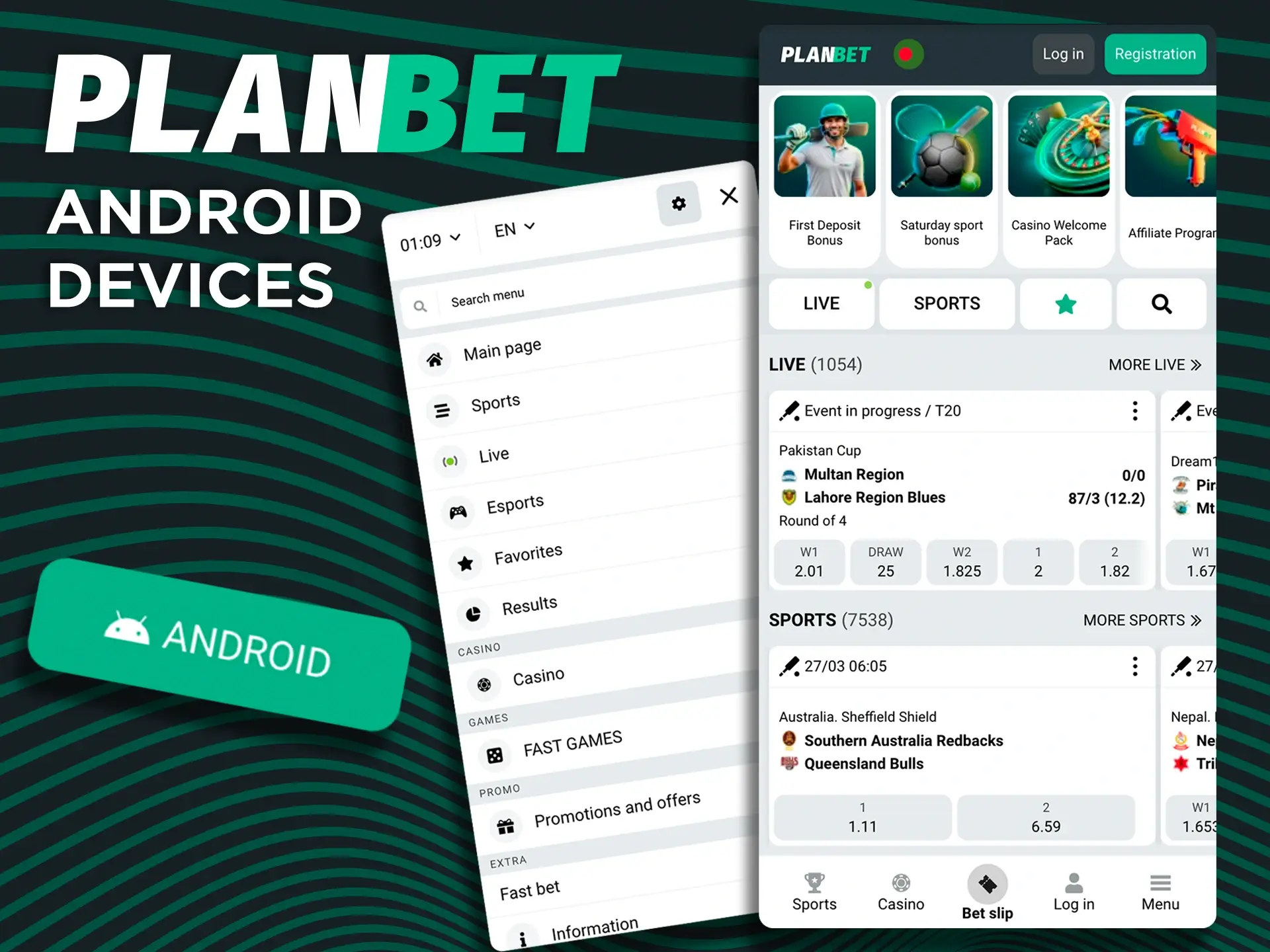
The Planbet app offers an interactive betting experience: sports betting, online casino games and live dealer tables directly on your phone. Android users install the app from a dedicated APK file, while iPhone and iPad users add the Progressive Web App (PWA) to the home screen in Safari, as there is no App Store app.
New players aged 18+ get a 100% sports welcome bonus up to 14,500 BDT on their first deposit.

Planbet mobile app: Android APK and iOS web app

Planbet App Overview

The Planbet app gives players in Bangladesh the same sportsbook, casino, bonuses and BDT payments as the website. Key facts about the app:

License Curaçao license 8048/JAZ2019-006
Supported OS Android (APK file); iPhone and iPad via the PWA in Safari (no App Store app)
Latest Version of the App Updated regularly; the download button always gives the current version
APK Size About 48 MB
Minimum Android Version 5.0 or later (Planbet does not publish an official minimum)
App Category Sports betting and casino
Cost of Download Free
App Languages English, Bengali, Hindi, Urdu and more
Welcome Bonus for Sports 100% up to 14,500 BDT
Welcome Bonus for Casino Up to 218,000 BDT + 150 free spins on the first four deposits
Bet Types Single, Accumulator, System and more
Payments bKash, Nagad, Rocket, Upay, bank methods and crypto, all in BDT
Support Service 24/7 live chat and email
Customer Support Languages English, Bengali, Hindi and more
Age Limit 18+

Interface of the Planbet App

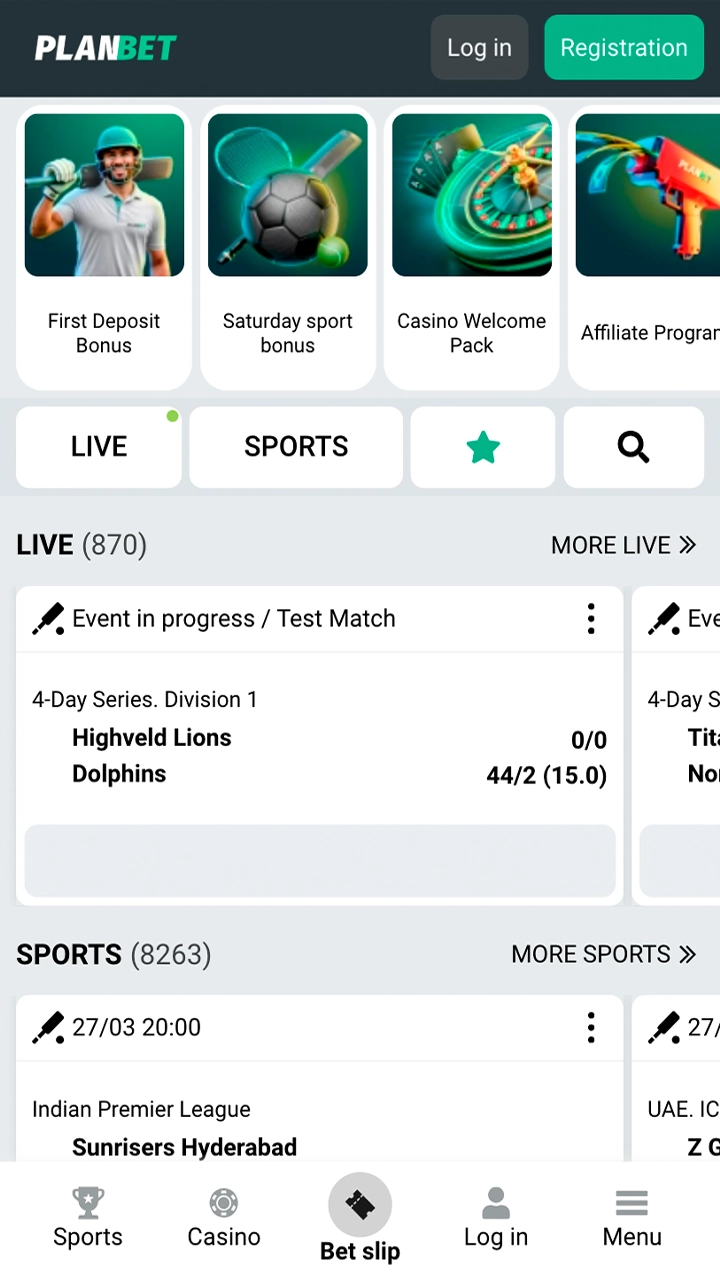
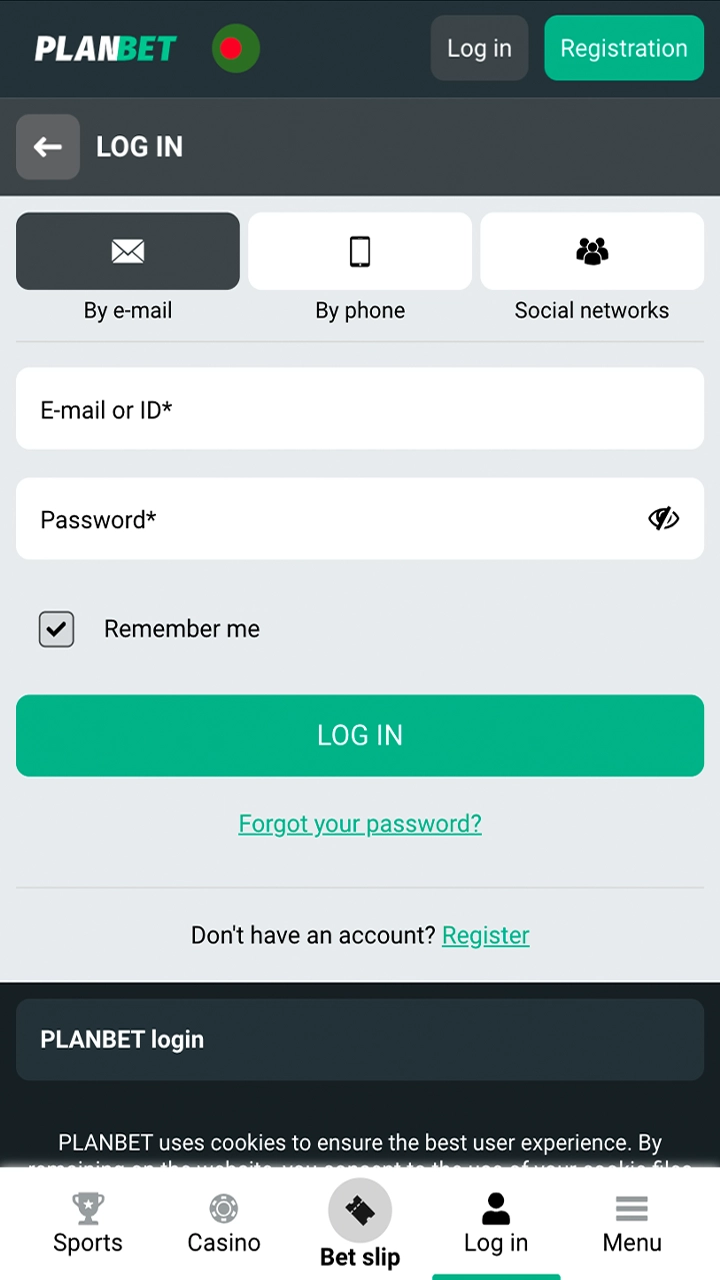
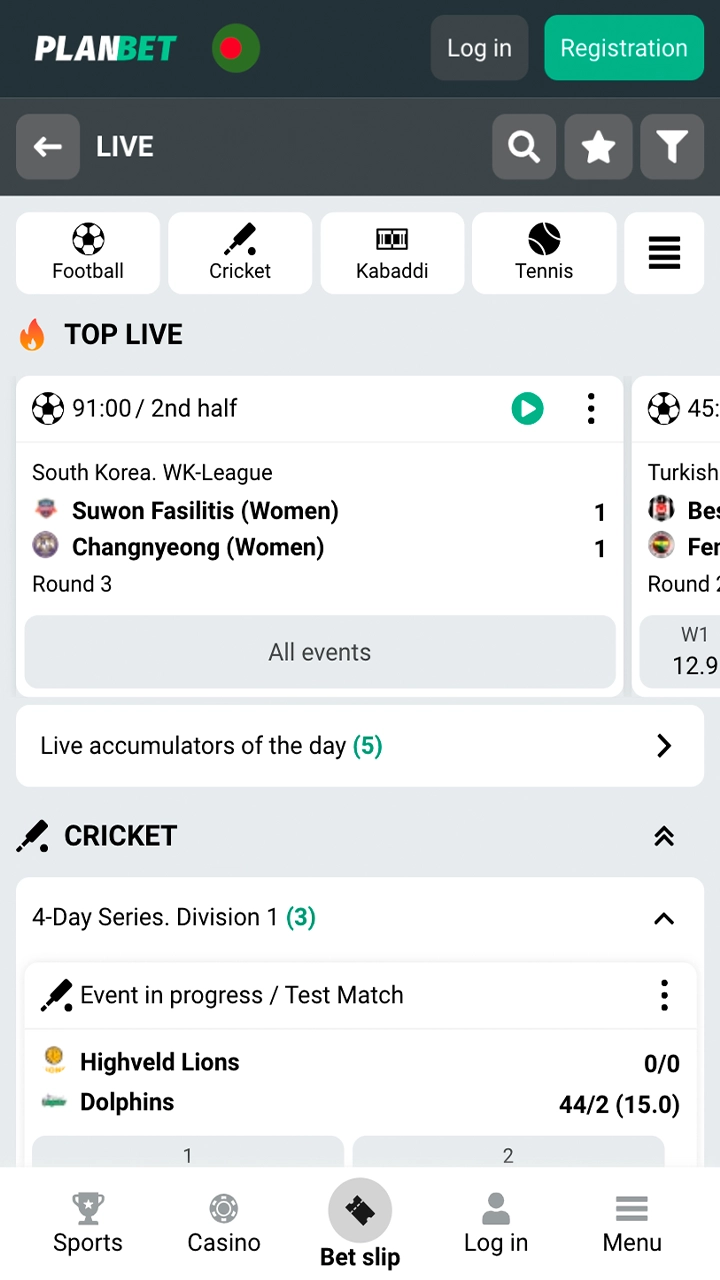
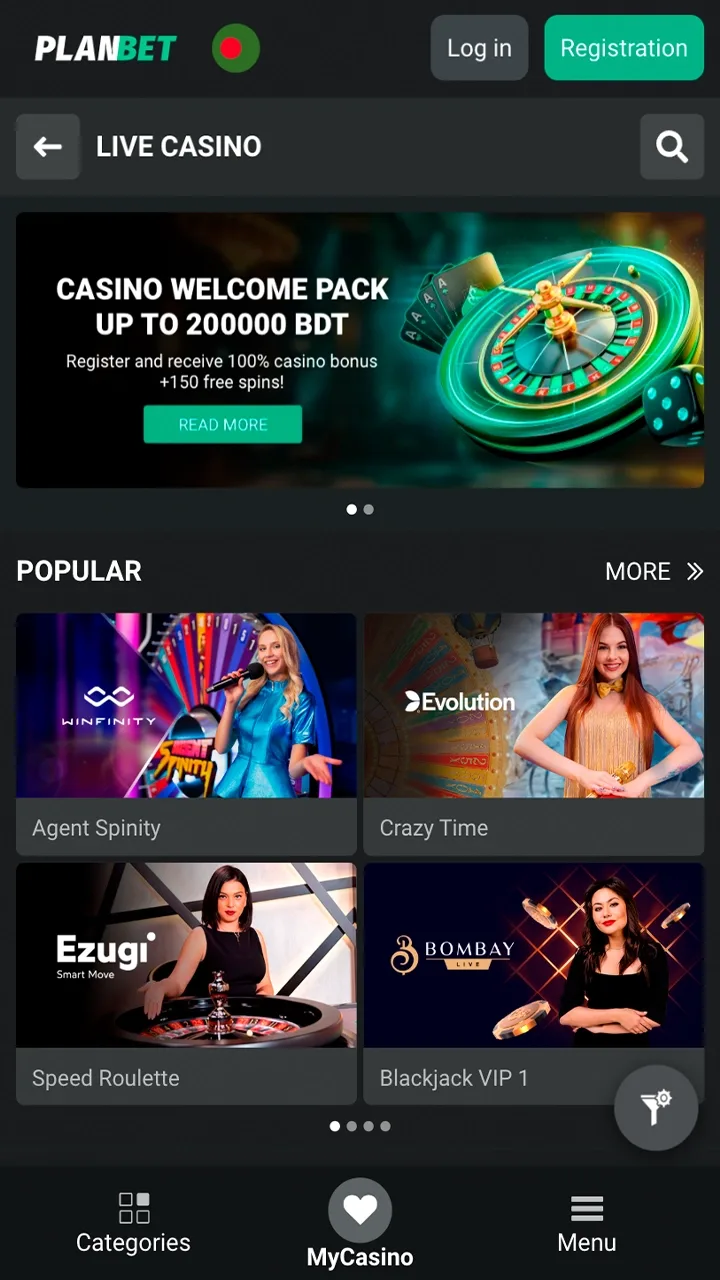
The Planbet app has a clean and simple interface. The sportsbook, casino, Cashier and account menu are always one tap away, so new and experienced players quickly find what they need. The screenshots below show the main sections of the app.

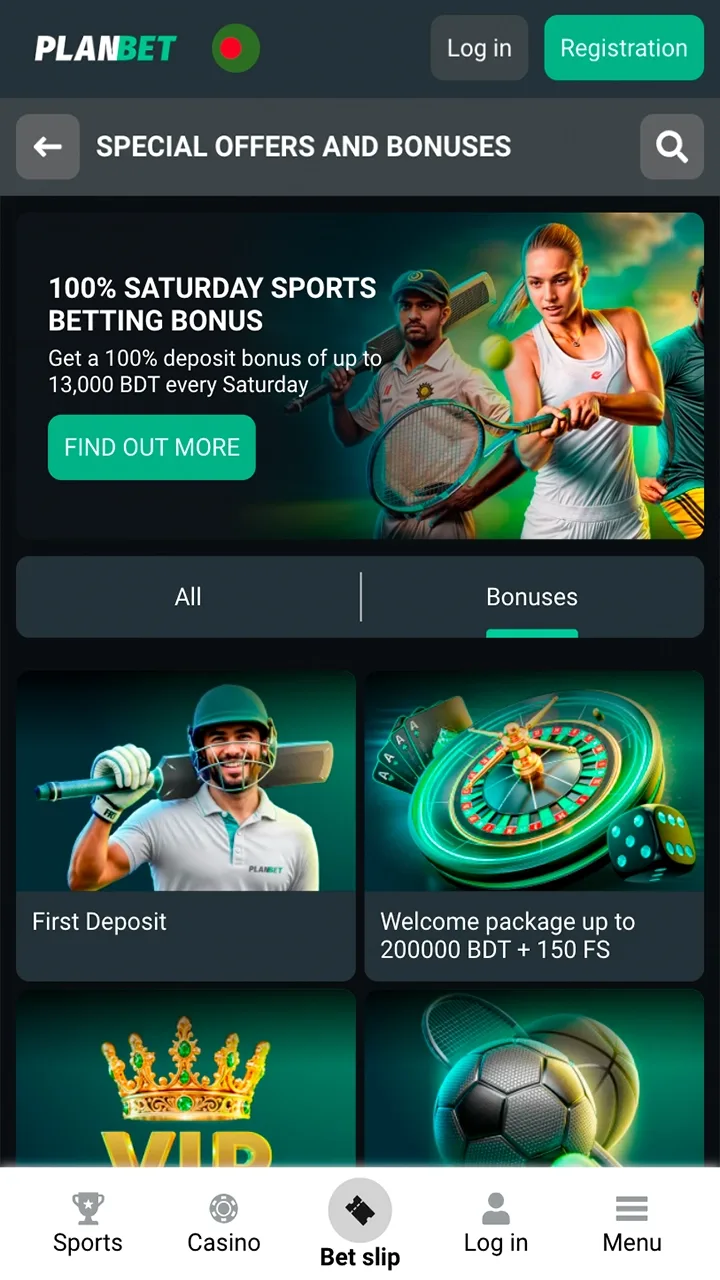
Get to know the Planbet homepage. Login screen of the Planbet app Watch the outcome of matches in live mode at Planbet. Start playing with live dealers at Planbet live casino. Find the right betting bonus for you at Planbet.

Download Planbet Apk for Android in 3 Steps

Installing the Planbet APK takes only a couple of minutes. Follow these three steps on your Android phone or tablet:

1

Open the Download Page

Open this page or the mobile section of the official Planbet site in the browser of your Android device.

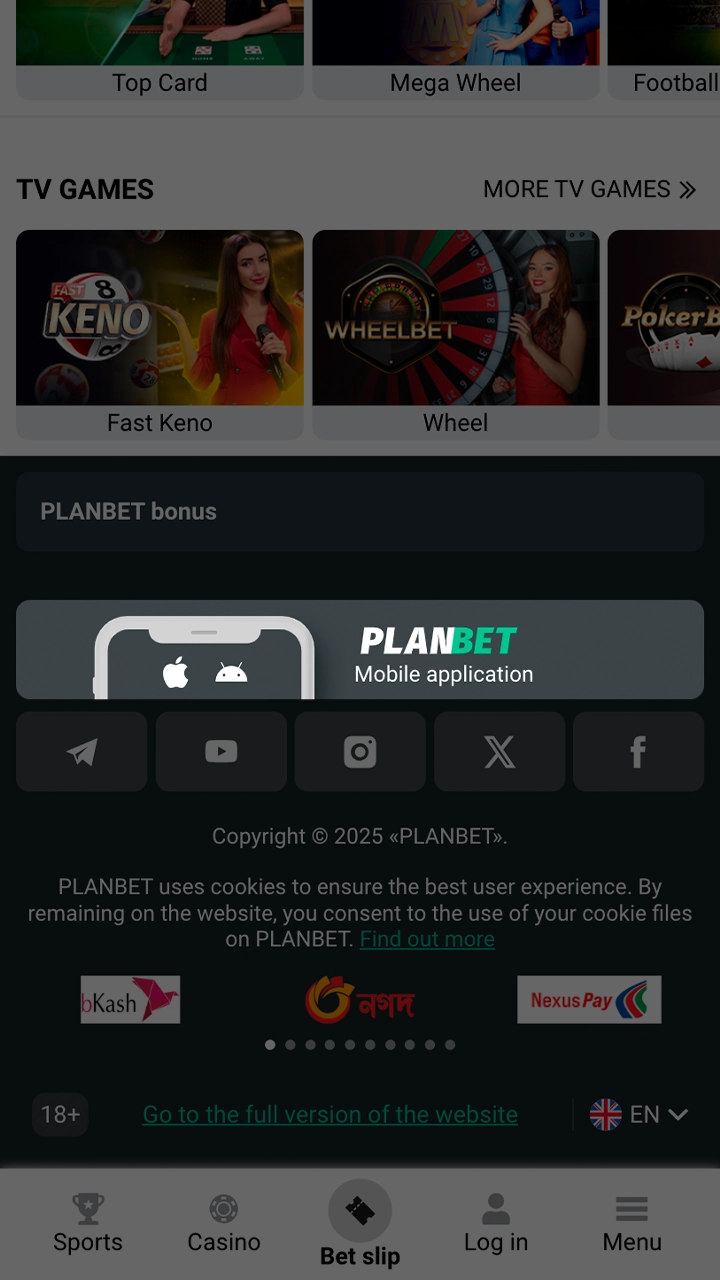
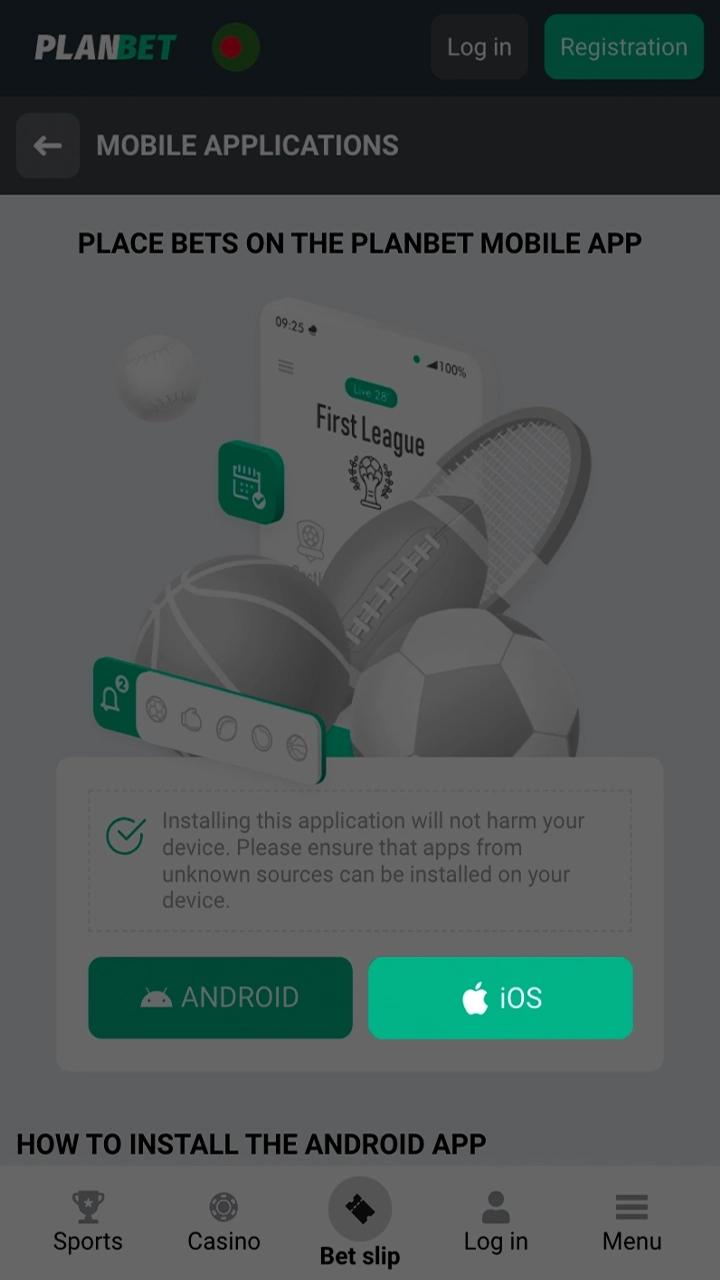
Go to the bottom of the Planbet page and click on the app button.
2

Download the Planbet APK

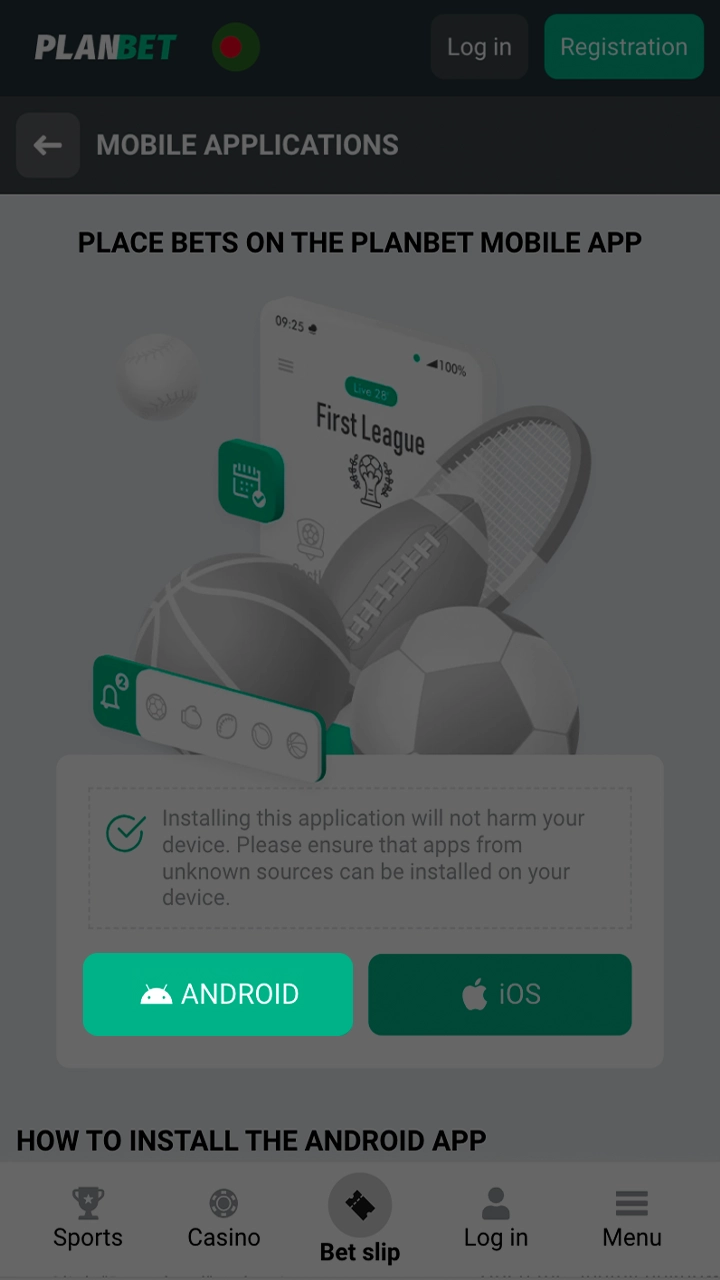
Tap the “Download Planbet Apk” button. The APK file (about 48 MB) is saved to the Downloads folder of your phone.

Download the Planbet APK file for Android
3

Install the App

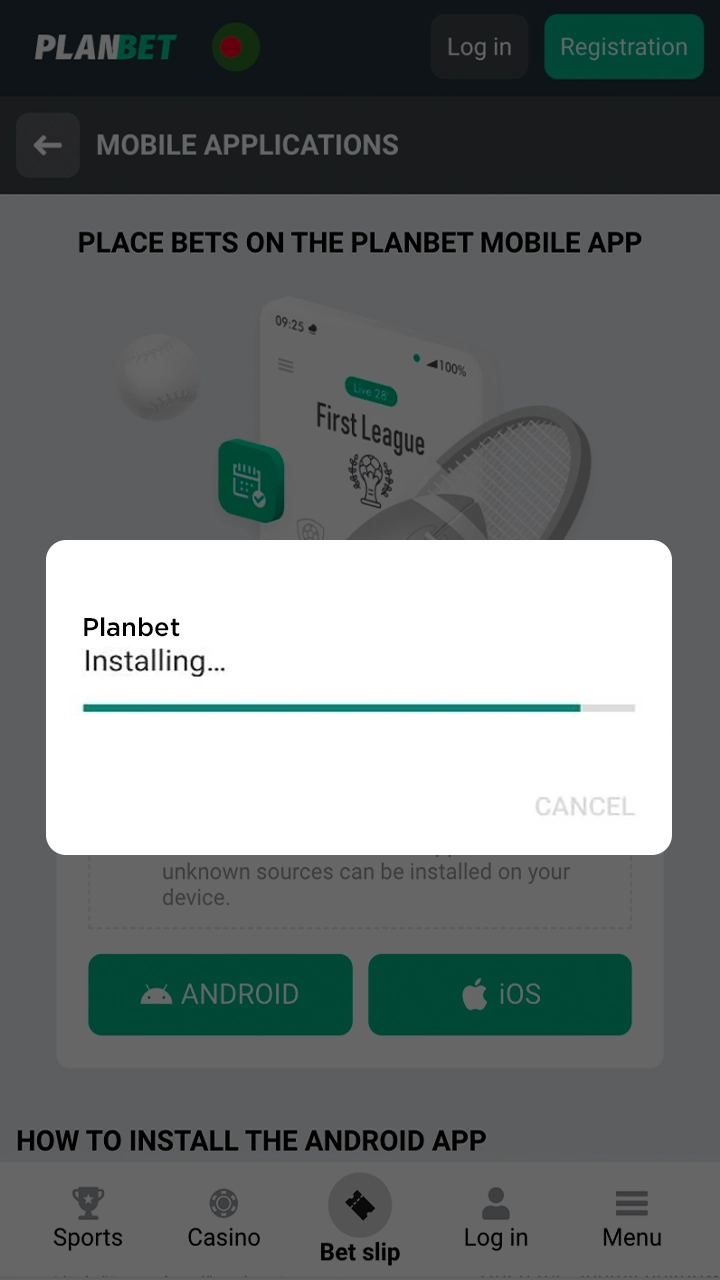
Open the downloaded file. If Android asks, allow “Install unknown apps” for your browser, then tap “Install”. The Planbet icon appears on your home screen.

Open the downloaded file and install the Planbet application.

System Requirements for Android

The Planbet APK runs on most Android smartphones and tablets, and you do not need a flagship phone to use it. Check these requirements before you install the app:

Android Version 5.0 or later (Planbet does not publish an official minimum)
Free Space About 48 MB for the APK file, plus space for the installed app and updates
Permission “Install unknown apps” for your browser or file manager
Internet Mobile data or Wi-Fi

Budget and mid-range phones popular in Bangladesh, such as the Samsung Galaxy A series, Xiaomi Redmi, Realme C, Tecno Spark, Infinix Hot or Walton models, usually meet these requirements. If your phone cannot install the APK, use the Planbet mobile website in your browser instead.


System requirements of the Planbet APK for Android devices

How to Install the Planbet PWA on iPhone and iPad

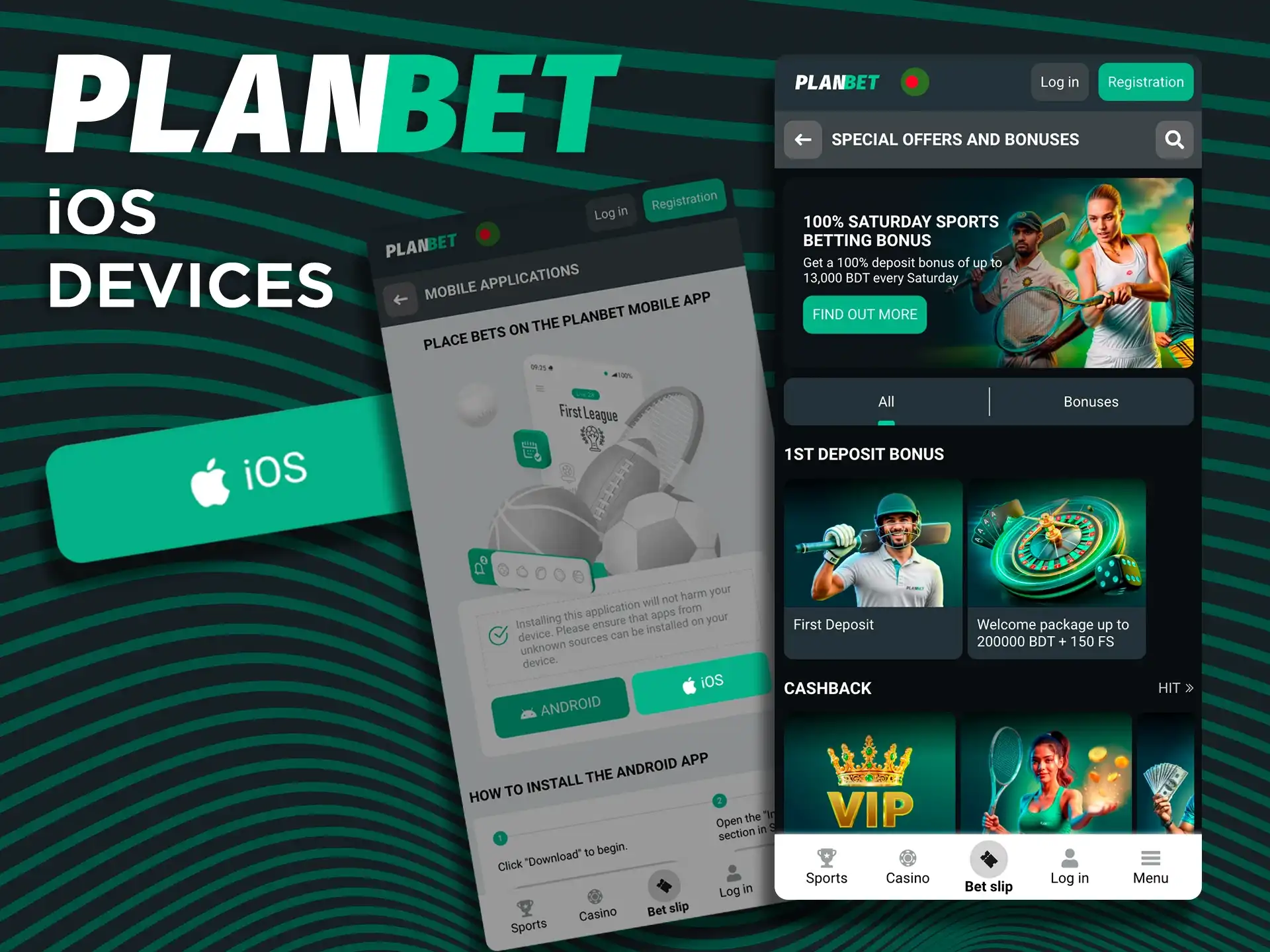
Planbet has no app in the App Store. iPhone and iPad users install the Planbet Progressive Web App (PWA) instead: it runs in Safari, opens from an icon on the home screen like a regular app and gives access to the same sportsbook, casino and Cashier as the website. Keep in mind that a PWA can use only the features Safari allows. Follow these steps to add it to your device:

1

Open Planbet in Safari

Open the official Planbet website in Safari on your iPhone or iPad, for example with the “Download App for iOS” button.

Open the Planbet site in Safari on an iPhone
2

Log In or Sign Up

Log in to your Planbet account or create a new one. You can also do this later in the PWA.

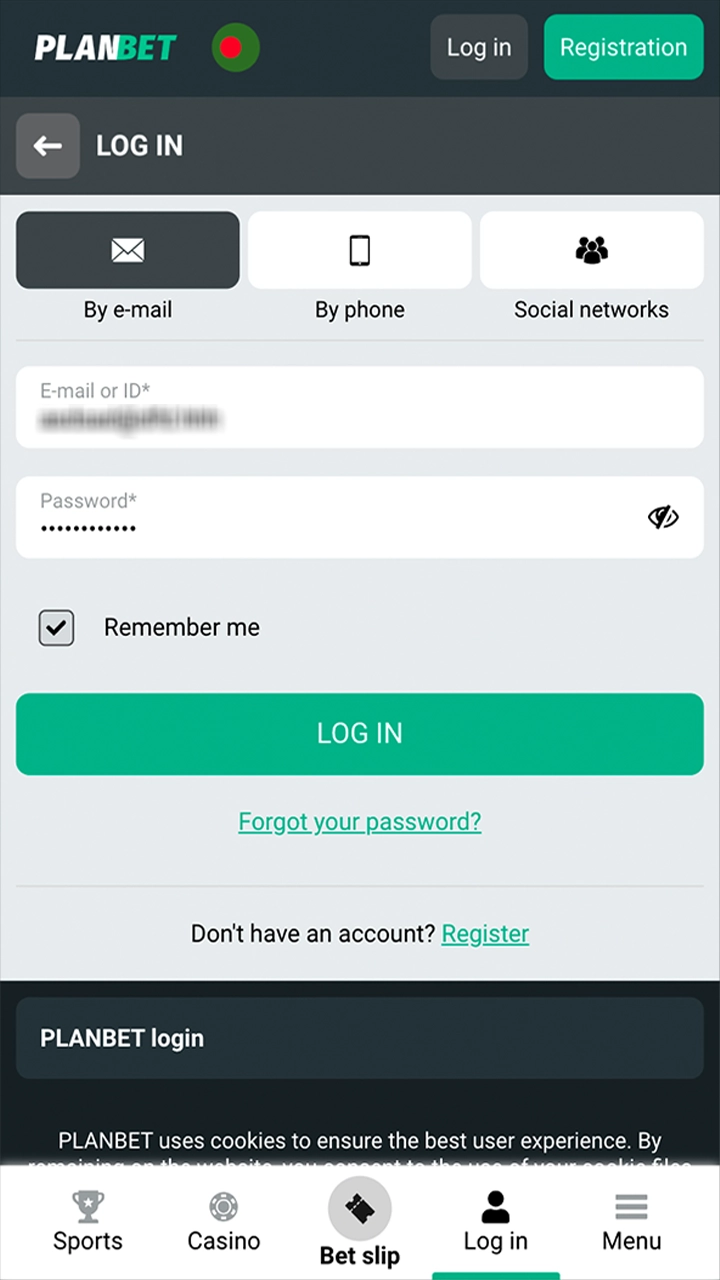
Log in to an existing or create a new Planbet betting account.
3

Tap Share

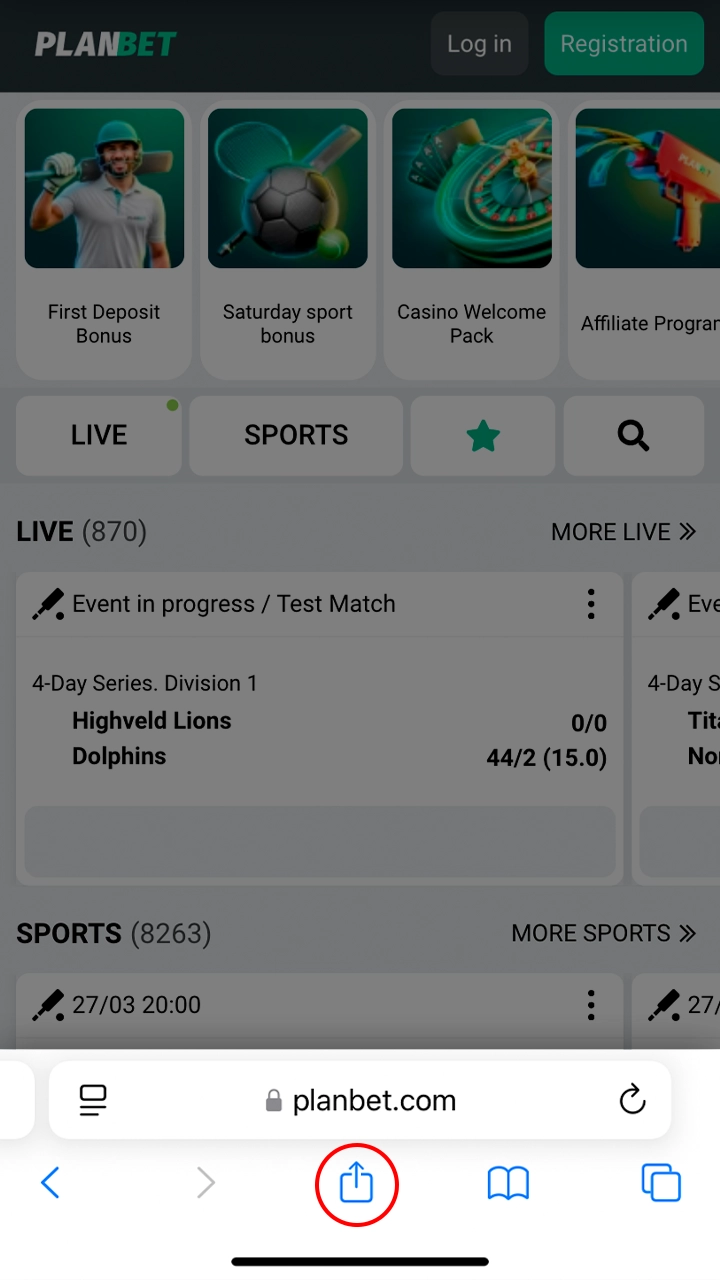
Tap the “Share” button in Safari (the square with an arrow; on some iOS versions it is inside the “…” menu).

Tap Share in Safari to add the Planbet PWA
4

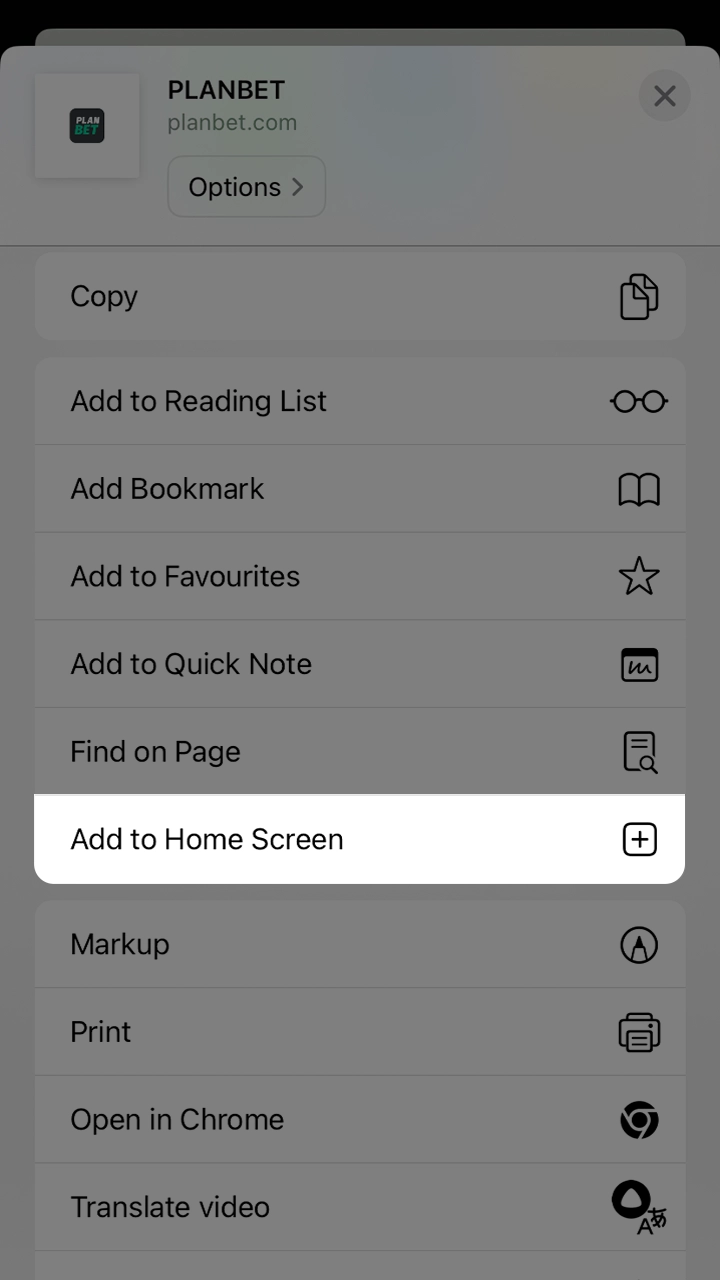
Select “Add to Home Screen”

Scroll down the menu, choose “Add to Home Screen” and tap “Add” in the top-right corner to confirm.

Add Planbet to your home screen by selecting the menu item.
5

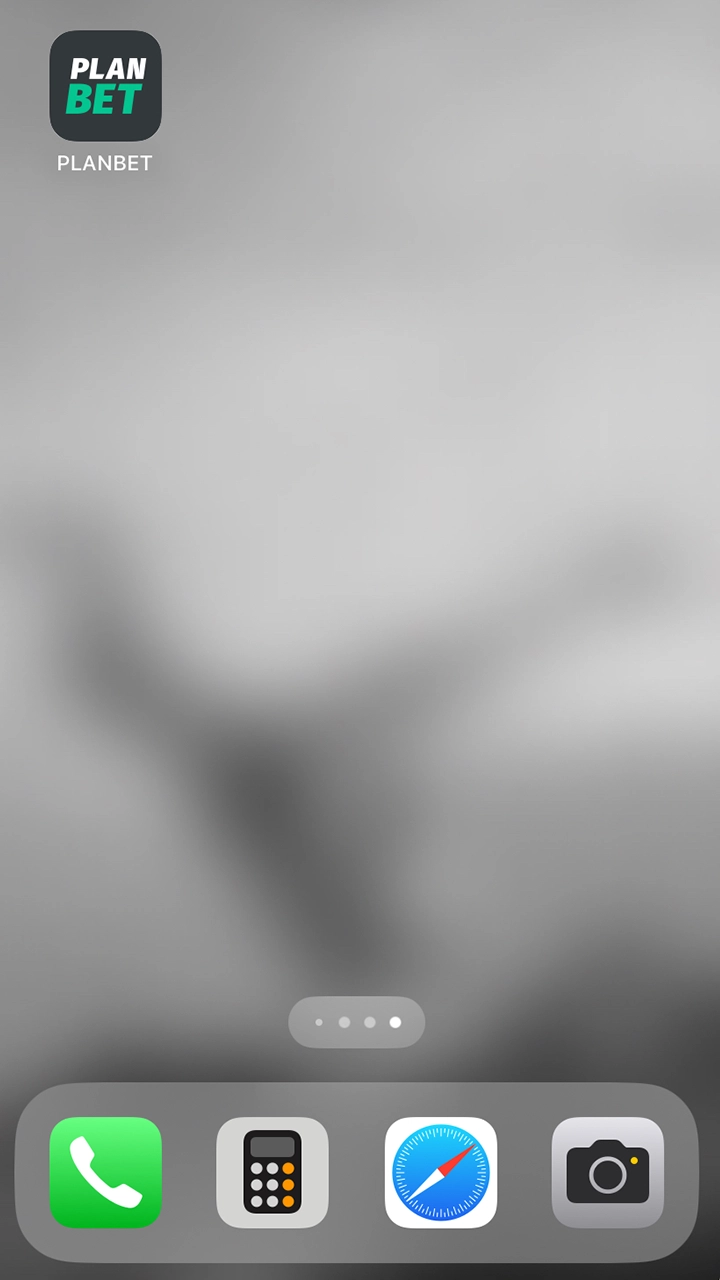
Open the PWA

Open Planbet with the new icon on your home screen and log in. The PWA opens full screen, just like a regular app.

Open Planbet from the home screen icon and place your first bet.

Supported iPhone and iPad Models

The Planbet PWA works on any iPhone or iPad with Safari and a recent version of iOS or iPadOS. Home-screen web apps are supported from iOS 11.3; for the best results, keep iOS and Safari updated. Supported devices include:

  • iPhone SE (2nd and 3rd generation);
  • iPhone X, XR, XS and XS Max;
  • iPhone 11;
  • iPhone 12;
  • iPhone 13;
  • iPhone 14;
  • iPhone 15;
  • iPhone 16;
  • iPhone 17;
  • iPad, iPad mini, iPad Air and iPad Pro.
iPhone models that support the Planbet PWA

Planbet App Features

The Planbet app combines the sportsbook and the casino in one place. Players can bet before and during matches, play slots and live dealer games, deposit and withdraw in BDT and manage their account from the phone. Notifications keep you up to date on bet results and new promotions. The main features of the app are described below.

Betting on Sports in the Planbet App

The Planbet app has the same sportsbook as the website, with more than 1,000 events every day and markets for both pre-match and live betting. Popular sports in the app include:

  • Cricket;
  • Football;
  • Basketball;
  • Ice hockey;
  • Tennis;
  • Table tennis;
  • Boxing;
  • MMA;
  • Esports.

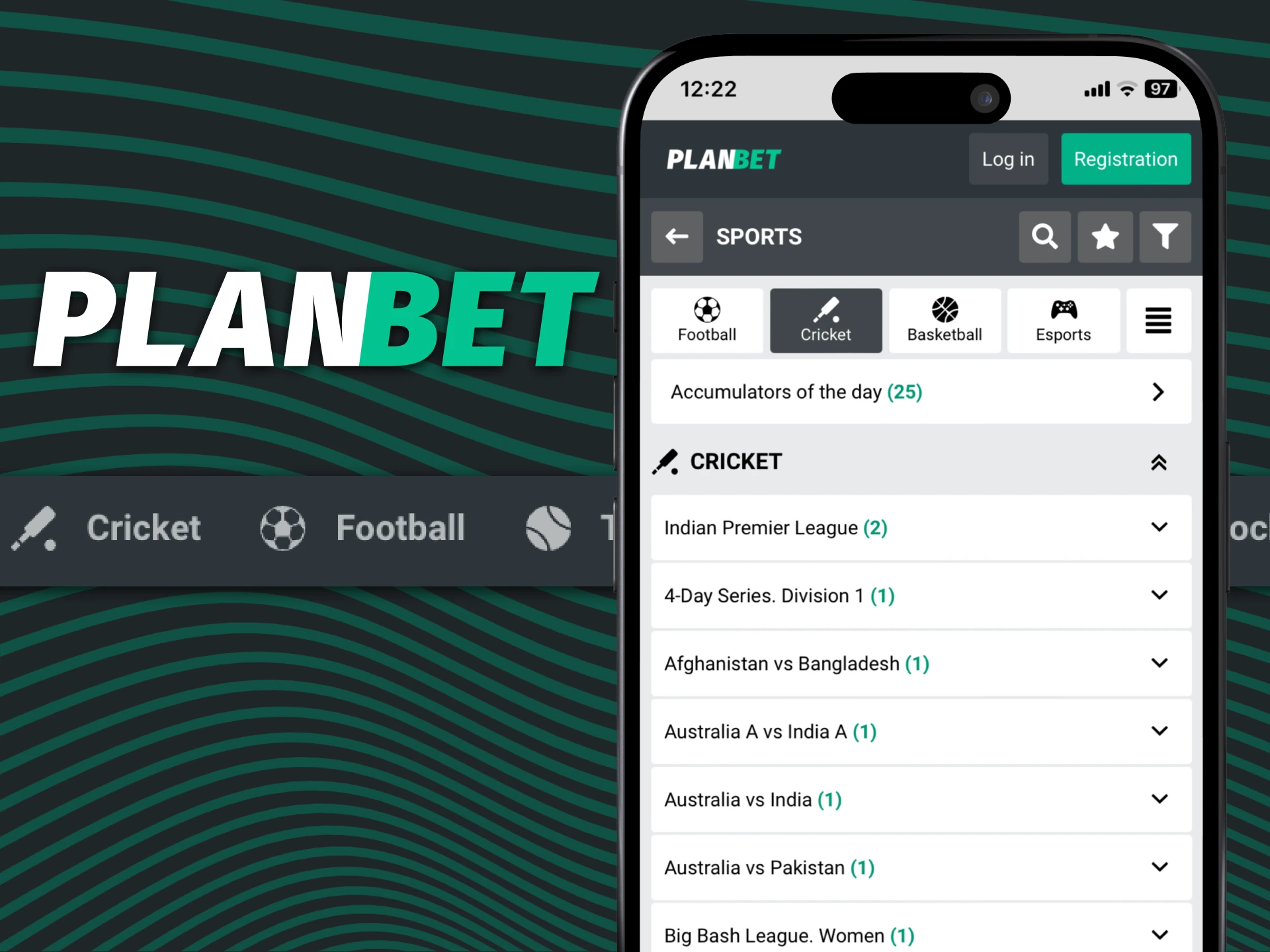
You can place single, accumulator and system bets, and all stakes and winnings are in BDT.

Sports betting on cricket, football and more in the Planbet app

Live Betting Features

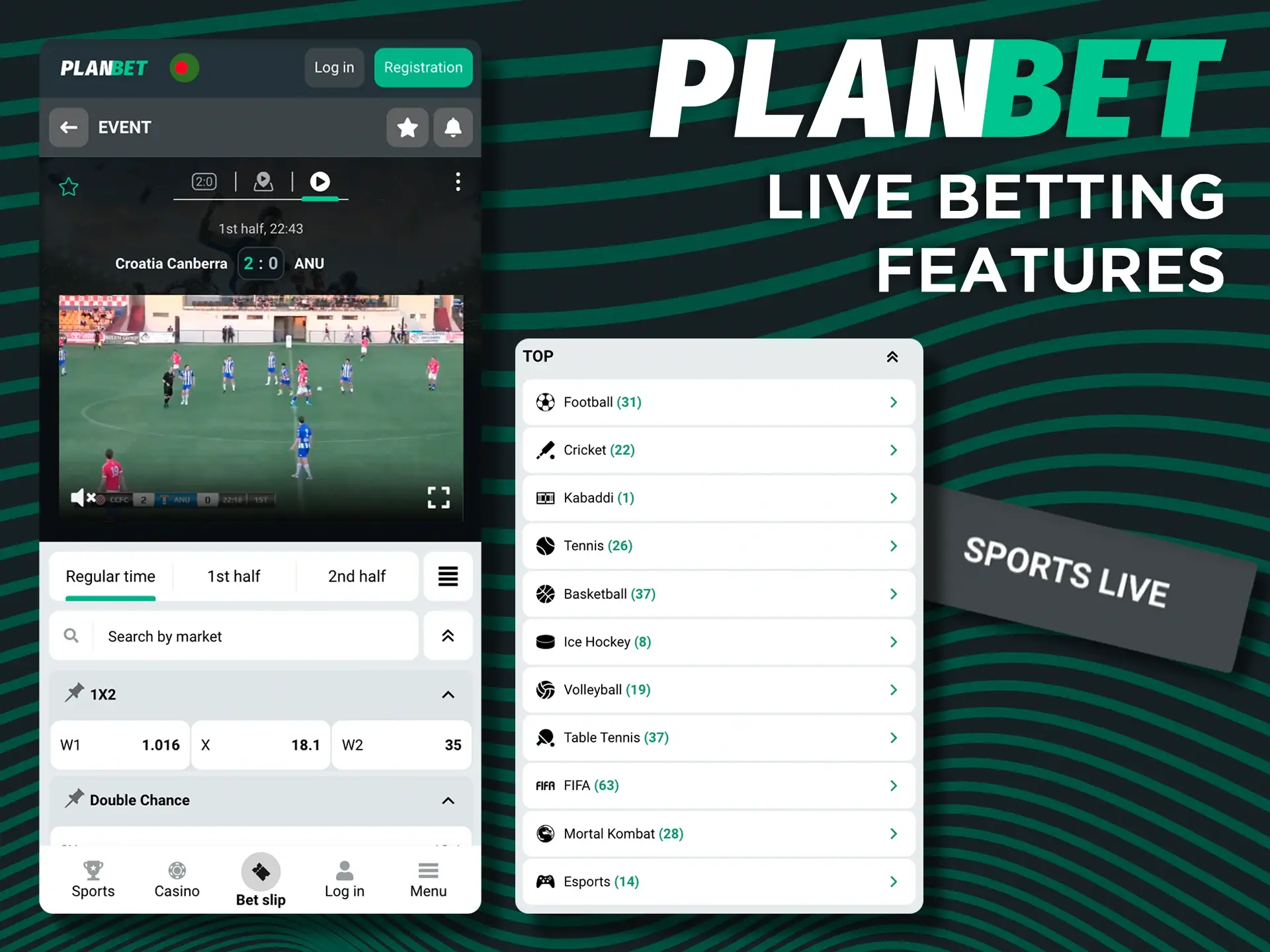
The live betting section of the Planbet app lets you bet on matches that are already in progress, including cricket, football and tennis. Live betting runs 24 hours a day, with more than 30 markets per event. Odds and scores update in real time, so you can react to what happens on the field, and bets are confirmed quickly. Selected matches have live streaming. You can switch between pre-match and live markets at any time, combine live events in an accumulator and, where it is offered, sell your bet slip early with Cash Out.

Live betting screen in the Planbet app

Casino Games Features

The Planbet app gives access to the full casino: more than 5,000 games, including slots, table games, crash games and live dealer tables from leading providers. The lobby has sections for popular and new games, so it is easy to find a title. In the live casino, real dealers run the tables in real time, and you can chat with them during the game. Games load quickly over mobile data or Wi-Fi, and the casino works the same way in the Android app and in the iOS PWA.

Find out what benefits await you at Planbet casino games.

Deposit Features

Planbet accepts deposits in BDT through the main Bangladeshi mobile wallets and other payment methods: bKash, Nagad, Rocket and Upay, their Fast and Rapid versions, Internet Banking, bank transfer and 45 cryptocurrencies. Most deposits arrive within 5–15 minutes. Every transaction is encrypted to protect your data and prevent fraud. Deposit details in the app:

Available Payment Methods bKash, Fast bKash, Nagad, Rocket, Upay, Rapid methods, Internet Banking, Bank Transfer, cryptocurrencies
Deposit Minimum 200 BDT via Upay; 300 BDT via bKash, Nagad and Rocket
Deposit Maximum 20,000 BDT per transaction on most methods; 25,000 BDT on Rapid methods and Internet Banking
Processing Time 5–15 minutes; up to 5 minutes via Fast bKash
Fees No fees are published; Planbet usually covers payment-system charges (a network charge applies to Bitcoin)
Transaction Security SSL encryption

Withdrawal Features

Withdrawals in the Planbet app use the same methods as deposits. As a rule, you withdraw with the method and details you used to deposit. Requests are processed 24/7 and usually take from 15 minutes to 24 hours. Before a payout, Planbet may ask you to verify your identity (KYC); the check takes up to 72 hours after your documents arrive. Mobile wallets such as bKash and Nagad are the most convenient way to receive money. Withdrawal details in the app:

Available Withdrawal Methods bKash, Fast bKash, Nagad, Rocket, Upay, Rapid methods, Internet Banking, Bank Transfer, cryptocurrencies
Withdrawal Minimum 300 BDT via Upay; 500 BDT via bKash, Nagad and Rocket; from 1,000 BDT on Fast, Rapid and bank methods
Withdrawal Maximum 20,000 BDT per transaction on most methods; 25,000 BDT on Rapid methods and Internet Banking
Processing Time 15 minutes – 24 hours
Transaction Security KYC verification, SSL encryption

User Profile Features

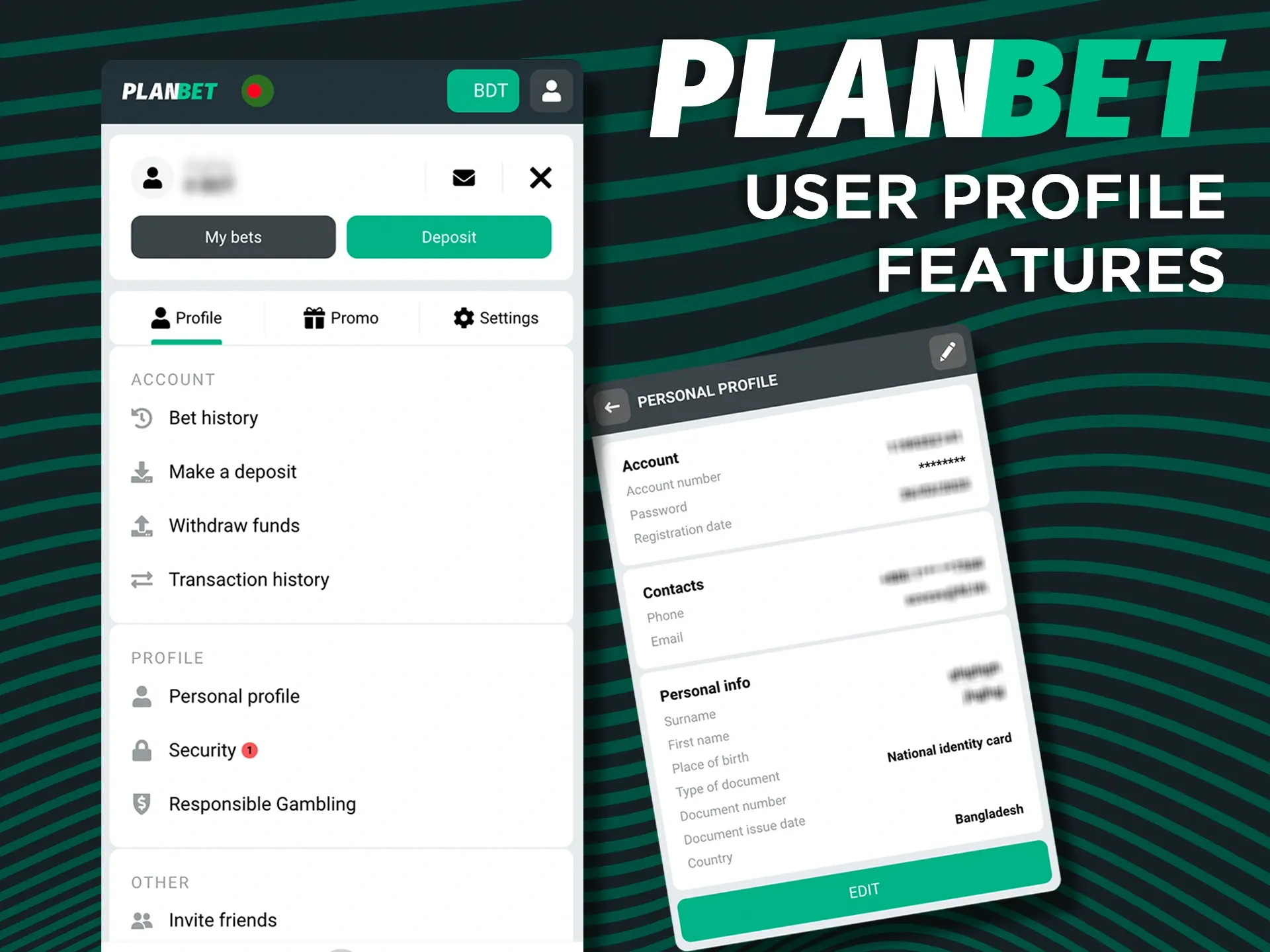
The account section of the Planbet app has everything you need to manage your profile. You can update your personal details and contact information, follow your balance in real time and view the history of your deposits, withdrawals and bets. In the account settings you can change your password and choose a welcome bonus if you skipped it at registration. Responsible gaming tools are available too: you can take a break from betting for 24 hours to 3 months and request deposit and stake limits from Planbet.

Take full advantage of your Planbet profile.

Notification Features

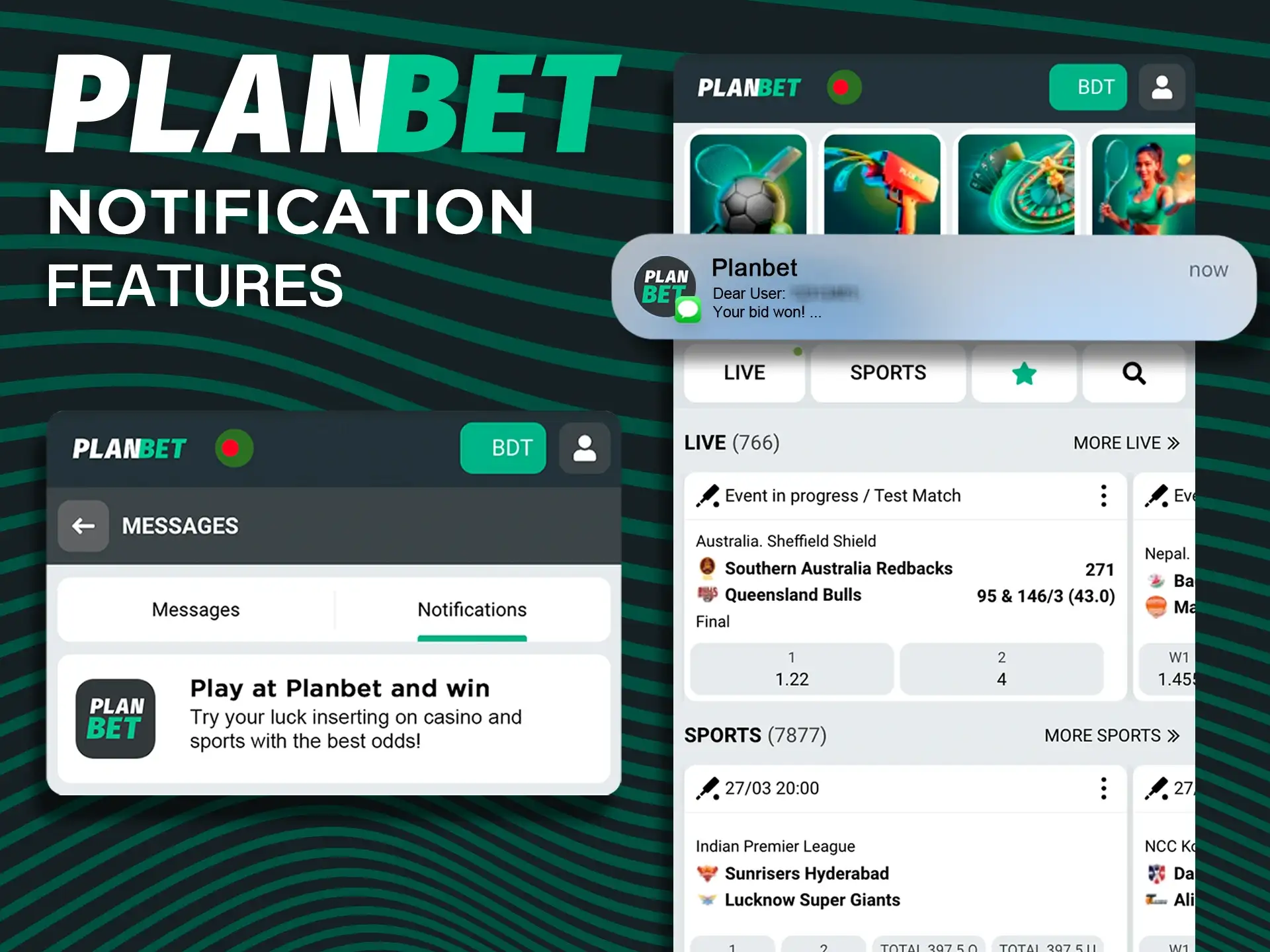
The Planbet app can send push notifications about match results, settled bets, new promotions and bonus offers. You decide which alerts you want to receive and can turn them on or off at any time in the app or in your phone settings. On iPhone and iPad, notifications from a home-screen web app are possible only on iOS 16.4 or later. Important account messages, such as deposit and withdrawal confirmations, are also shown in your account.

Planbet app notifications about bonuses and bet results

How to Register in the Planbet App

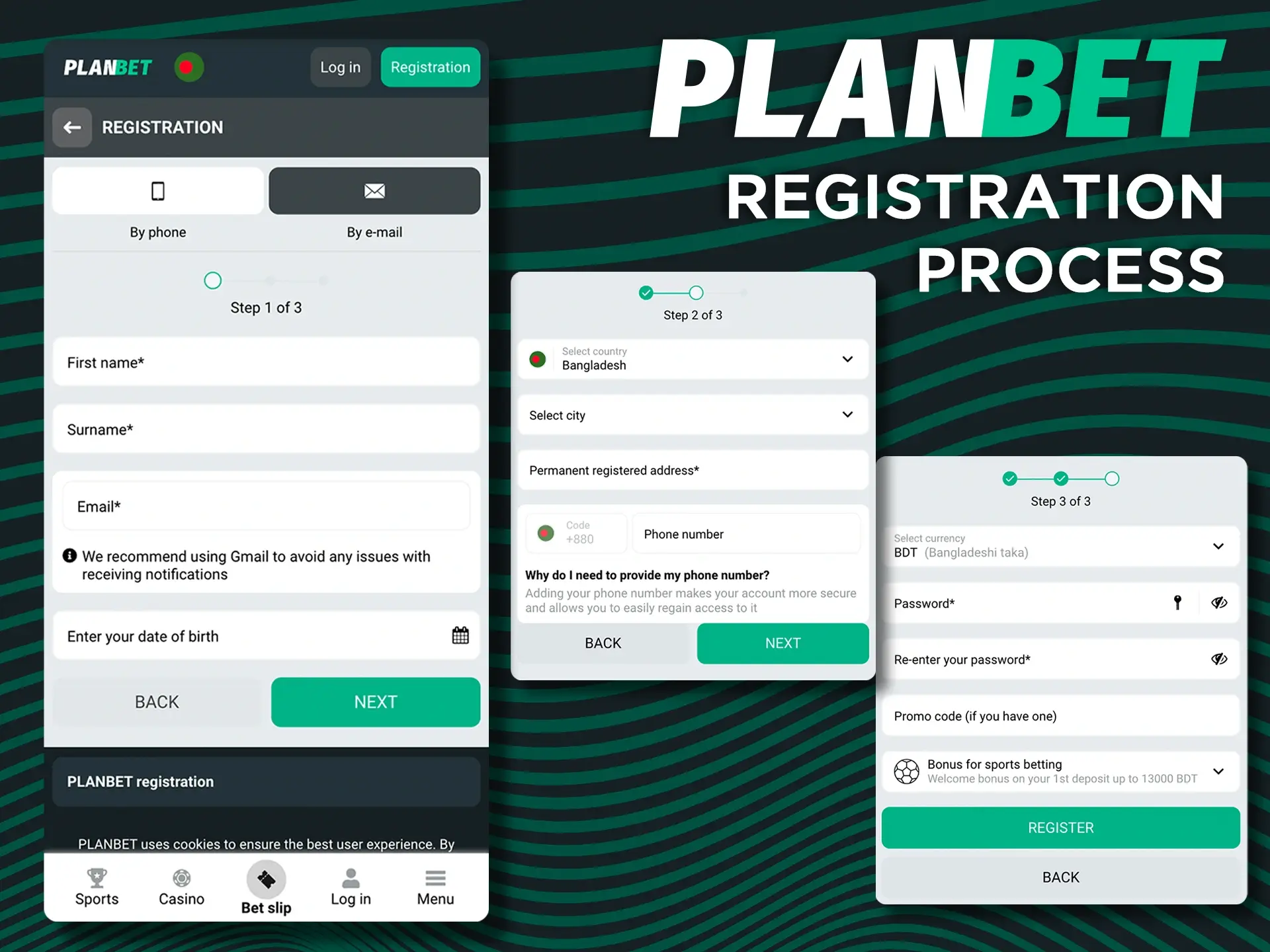
Registering in the Planbet app takes only a few minutes. One account works on the website and in the app, so you only need to register once. Follow these steps:

  1. Open the App – Launch the app on your Android or iOS device and tap the “Register” button.
  2. Choose a Sign-up Method – Select your preferred registration option: phone number, email, social media or one click.
  3. Enter Your Details – Fill in your personal information, create a strong password and choose a welcome bonus for sports or the casino, or skip it and choose later.
  4. Agree & Confirm – Confirm that you are 18 or older, accept the terms and conditions, then verify your account via SMS or email.
  5. Make a Deposit & Start Playing – Open the Cashier, deposit with bKash, Nagad, Rocket, Upay or another method, and start betting or playing casino games.
Choose a convenient method to register an account with Planbet.

Bonuses for Mobile Players

App users get the same Planbet bonuses as on the website; there are no separate offers for the app. New players choose one welcome bonus at registration, for sports or for the casino, and regular promotions such as the Saturday sports bonus work in the app too. Main offers at a glance:

Bonus Amount Main Terms
Sports welcome bonus 100% up to 14,500 BDT on the first deposit Deposit from 200 BDT (the Cashier minimum of your method); wager x5 on accumulators of 3+ selections, at least 3 of them at odds 1.40+, within 30 days of registration
Casino welcome package Up to 218,000 BDT + 150 free spins on the first four deposits First deposit from about 1,450 BDT, next ones from about 2,200 BDT; wager x35 within 7 days; maximum stake while wagering about 730 BDT
Saturday sports bonus 100% up to 14,500 BDT Deposit from about 730 BDT; wager x3 on accumulators of 3+ selections at odds 1.40+ within 24 hours

Bonus amounts are set in euros and converted to BDT at the current rate, so they can change slightly. Bonuses are for players aged 18+, and only one welcome bonus is allowed per person. Full terms and all current promotions are on the bonuses page.

How to Update the Planbet App to the Latest Version?

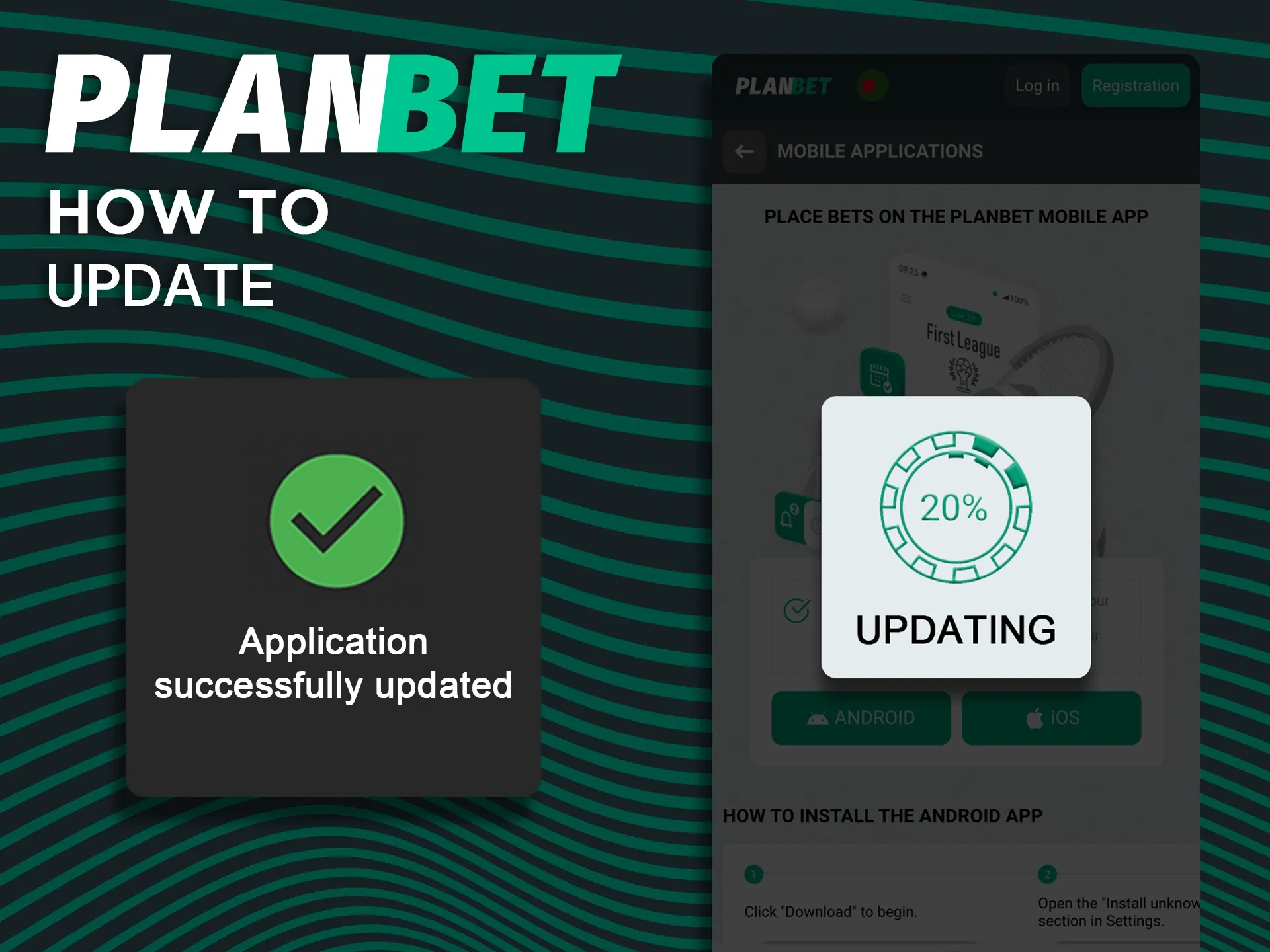
Keeping the Planbet app up to date gives you the latest features, bug fixes and security improvements. If the Android app shows an update message, tap it and follow the instructions. You can also download the latest APK with the “Update the App” button and install it over the old version: your balance and bet history are stored in your Planbet account, so nothing is lost. The iOS PWA always loads the current version of the site, so it updates automatically and you do not need to add it to your home screen again.

Check if the Planbet app is up to date and update if necessary.

How to Place a Bet in the App?

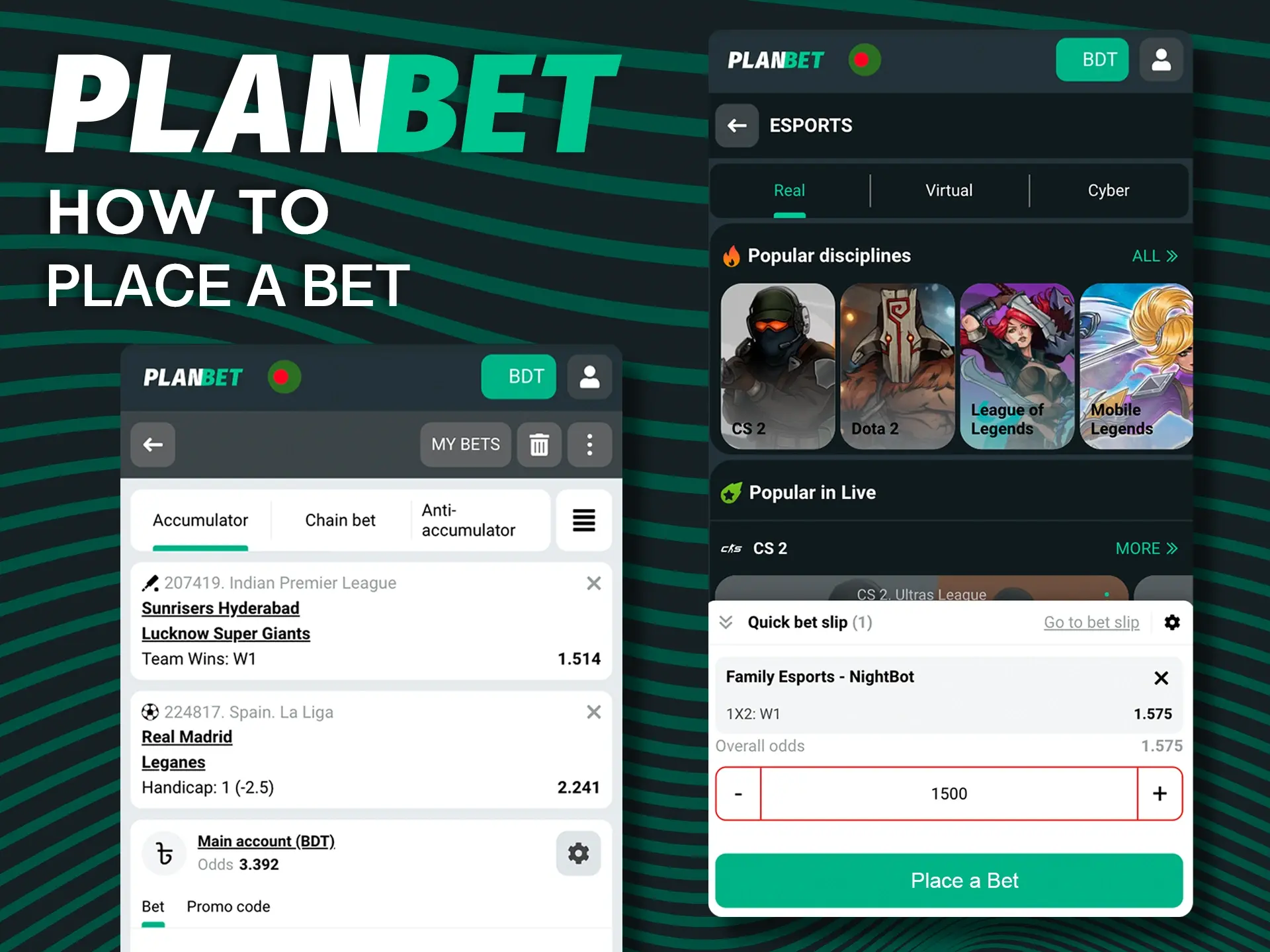
Placing a bet in the Planbet app takes only a few taps:

  1. Log In – Open the app and sign in to your account.
  2. Choose an Event – Go to the sports or live section and select a match and a market.
  3. Set Your Bet – Tap the odds to add them to the bet slip, enter your stake and confirm the bet.
  4. Wait for the Outcome – If your bet wins, the winnings are credited to your balance as soon as the event is settled.

Set a budget before you start and treat betting as entertainment, not as a way to make money.

Place a bet in a few taps in the Planbet app

How to Log In to the App?

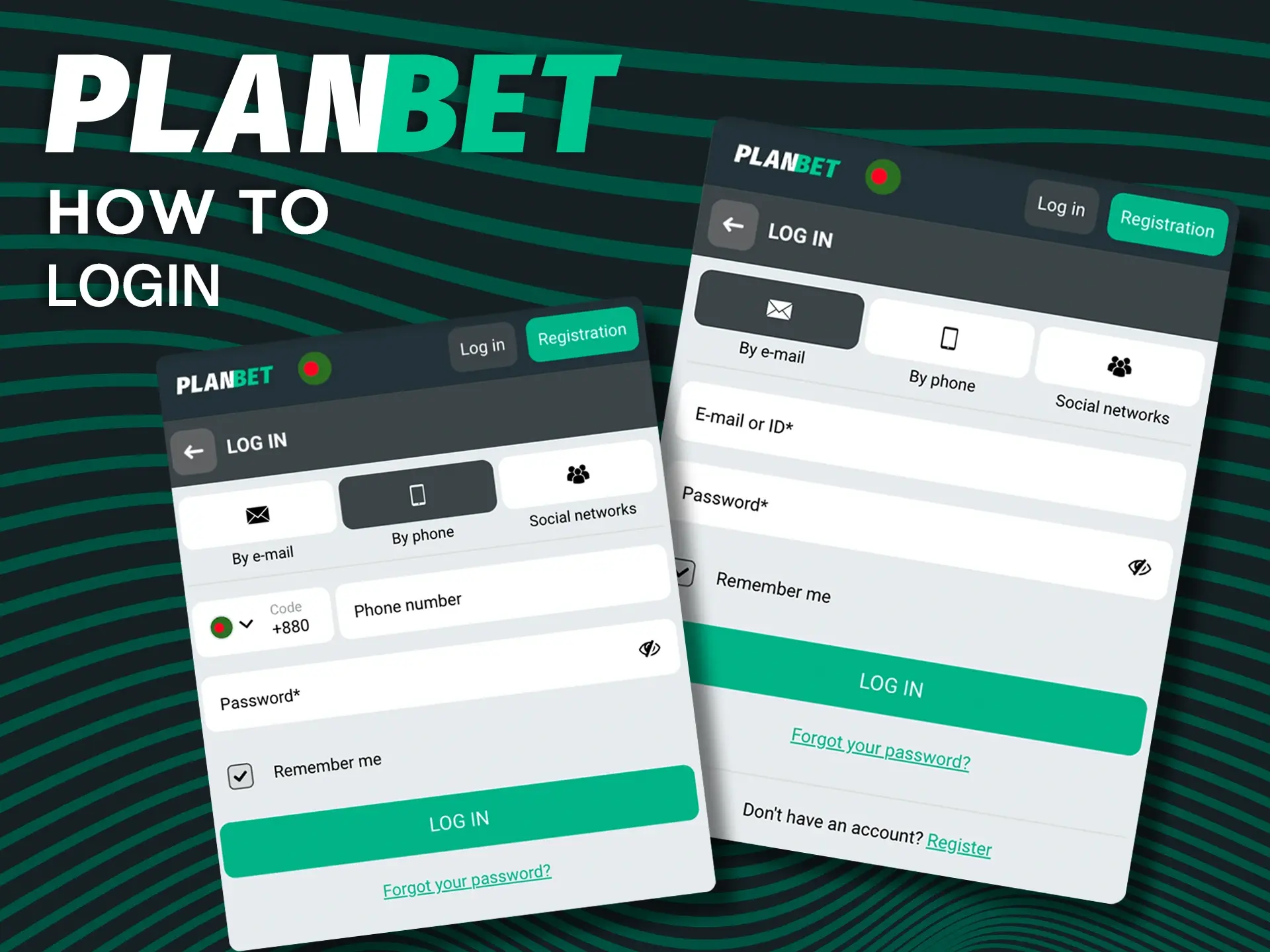
Logging in to the Planbet app takes a few seconds. Follow these steps:

  1. Open the App – Launch the Planbet app or the PWA on your device.
  2. Enter Your Credentials – Type in your registered email or phone number (or your account ID) and your password.
  3. Tap “Log In” – Press the button to open your account and start betting or playing casino games.
  4. Confirm if Asked – If Planbet asks for a confirmation code, for example when you log in from a new device, enter the code sent to your phone or email.

If you forget your password, use the “Forgot password” link on the login screen to set a new one.

Use one of the methods to log in to your Planbet account.

How to Delete the Planbet App?

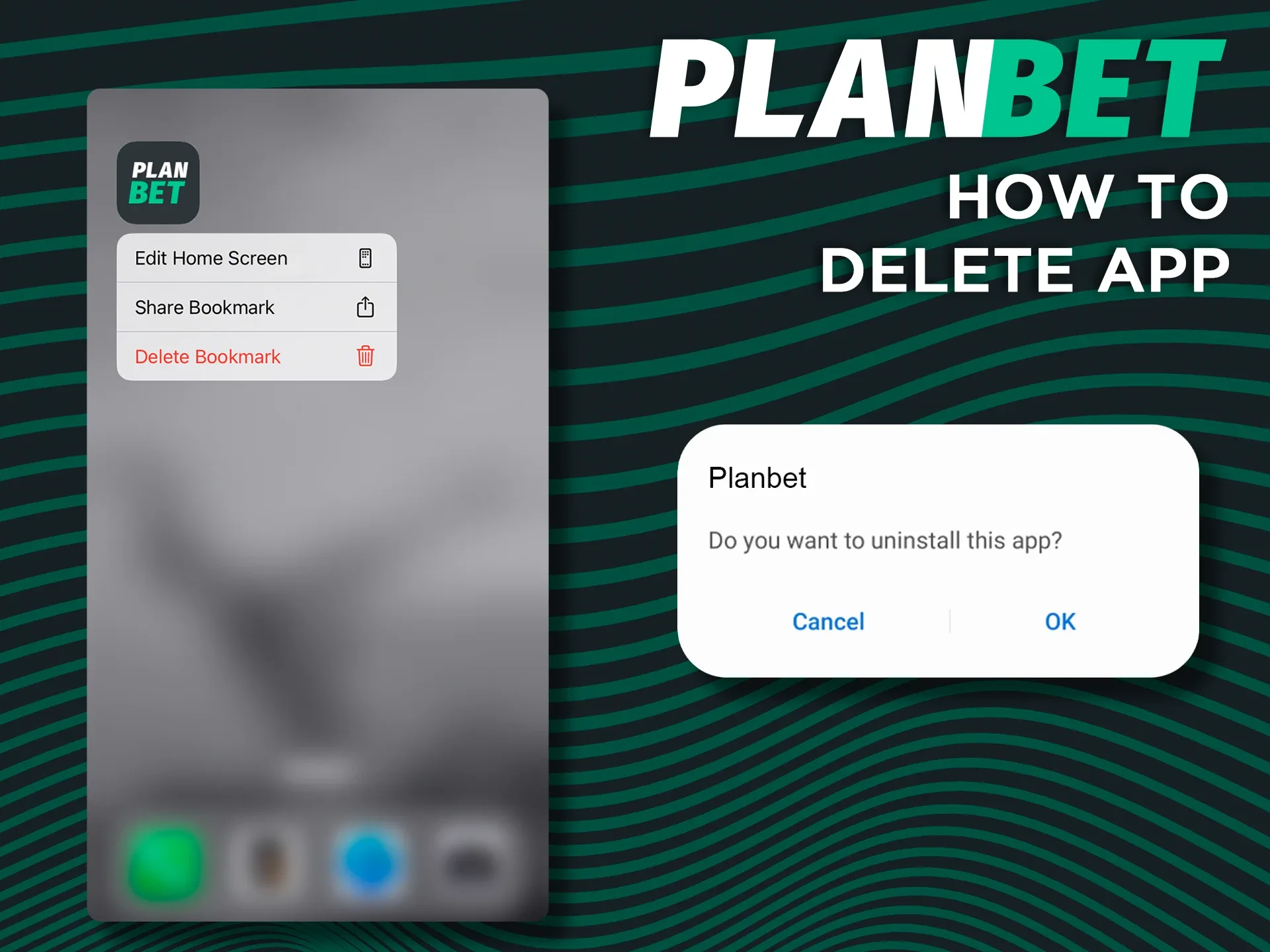
If you no longer need the Planbet app, you can remove it in a few steps. On Android, open Settings, go to Apps, find Planbet and tap Uninstall, or press and hold the app icon and choose Uninstall. On iPhone or iPad, press and hold the Planbet icon on the home screen, tap Remove (or Delete Bookmark) and confirm. Deleting the app does not close your account: your balance and bet history stay, and you can log in again on the official website or after installing the app again. To close your account, contact Planbet support.

Check out how to uninstall the Planbet app from your devices.

Is the Planbet App Safe?

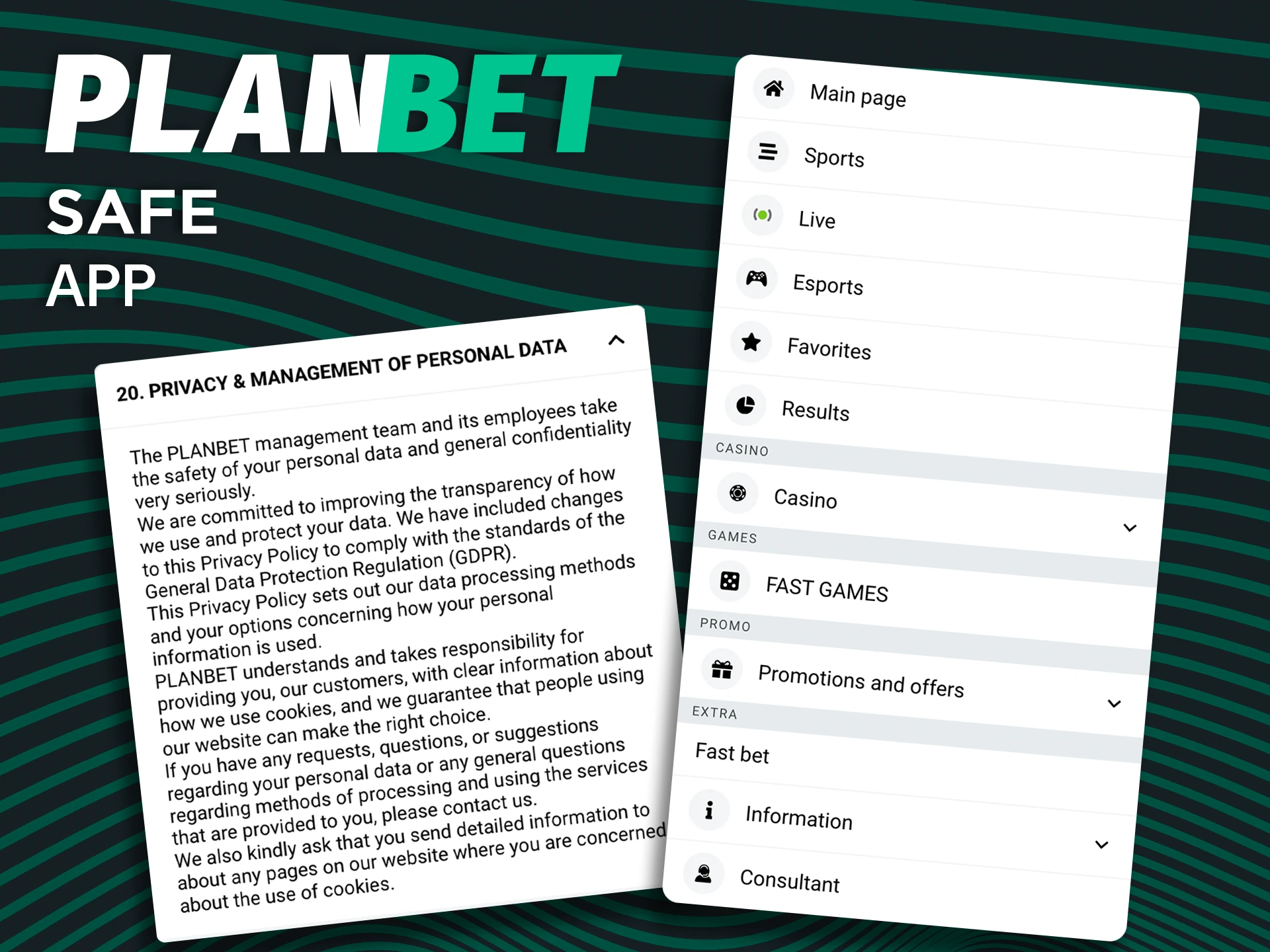
The Planbet app is as safe as the website it runs on, as long as you install it from the right source. Download the APK only from the official Planbet site or with the buttons on this page, and never from third-party file sites, which may offer modified files. The app and the PWA use an encrypted HTTPS connection to protect your login and payment data. Planbet holds a Curaçao license (8048/JAZ2019-006) and accepts players from Bangladesh; players should check the rules that apply to them. Account verification (KYC) protects players from fraud, and only one account is allowed per person. To keep your account secure, use a strong password, never share your login details and log out on shared devices. The app is only for players aged 18+.

Security and data protection in the Planbet app

How to Bet Without an App?

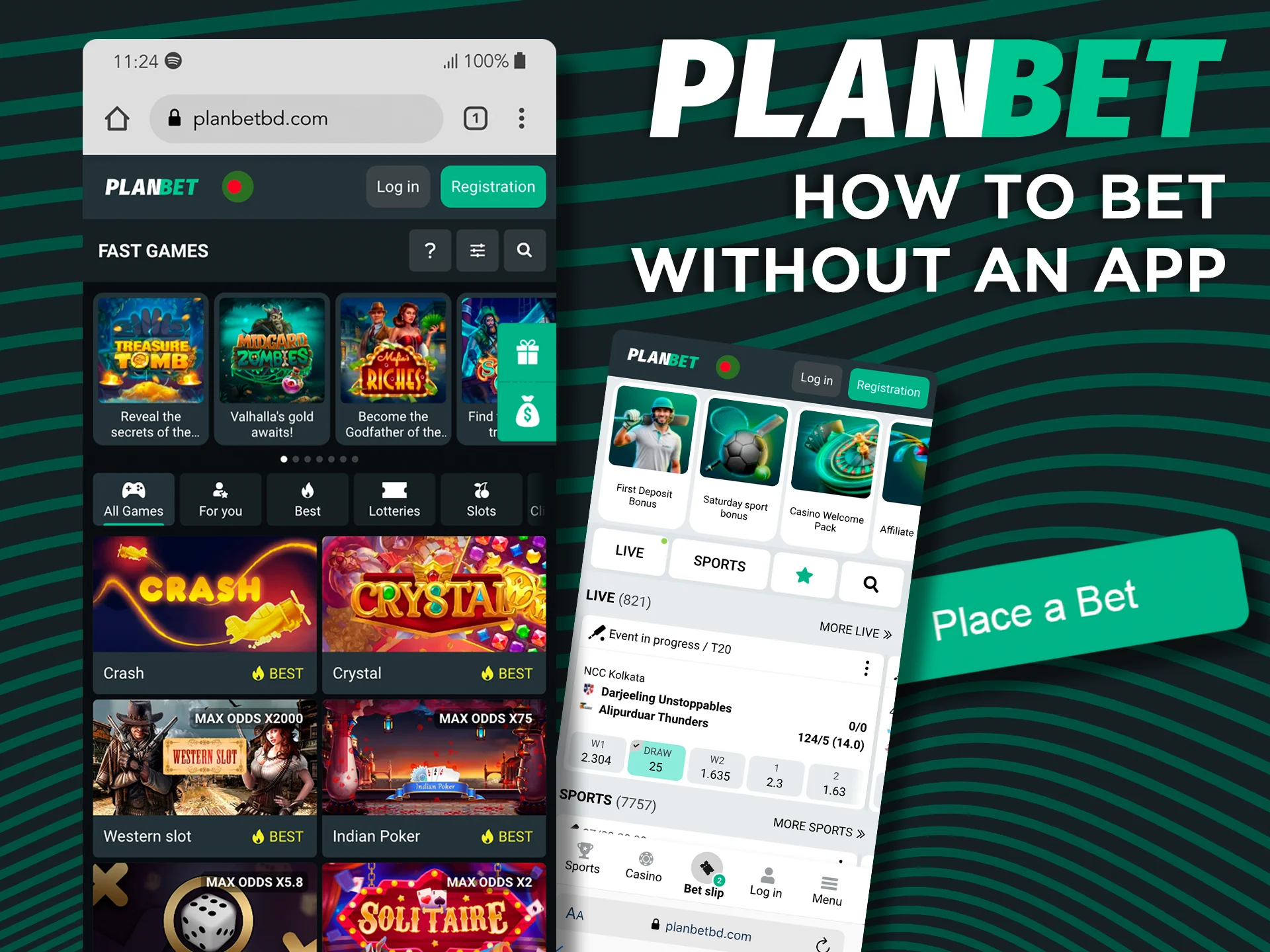
You do not have to install anything to bet on your phone. The Planbet mobile website opens in any browser and has the same sportsbook, casino, promotions and Cashier as the app, with the same account. Open the site, log in and you can deposit, place bets and request withdrawals. The mobile website is a good choice if your phone is short on storage or cannot install APK files.

Planbet mobile website for betting without an app

Differences Between the Website and the App

The app and the mobile website share the same account, games, bonuses and payment methods. They differ only in convenience:

App Mobile Website
Starts from an icon on the home screen Works in any mobile browser
Push notifications about bets and promotions Nothing to download or install
Faster start and smoother navigation Takes no storage space on your phone
Full-screen view without browser bars Always the current version, no updates needed

FAQ

Is the Planbet App Free to Download?

Yes. The Planbet APK for Android and the PWA for iPhone and iPad are free to download and use. You only need to deposit funds to place bets or play casino games.

Can I Use the Same Account for Both the Website and the App?

Yes. One Planbet account works on the website, in the Android app and in the iOS PWA with the same login details. Planbet allows only one account per person, so do not register a second time in the app.

Does the App Support Live Chat With Customer Support?

Yes. The app has a built-in live chat, so you can reach Planbet support 24/7 with any question about your account, payments or bets.

Can I Set Deposit Limits in the Planbet App?

Yes. You can ask Planbet to set deposit and stake limits via live chat or [email protected], take a break for 24 hours to 3 months, or exclude yourself for at least one year. Read more about responsible gaming limits.

Can I Use Cryptocurrencies for Deposits and Withdrawals in the App?

Yes. The Cashier accepts 45 cryptocurrencies and tokens, including Bitcoin, Ethereum, Litecoin, Tether (USDT), TRON, Dogecoin, XRP, Solana and Cardano. Limits depend on the coin, and bonuses do not apply to crypto deposits.

Updated: